
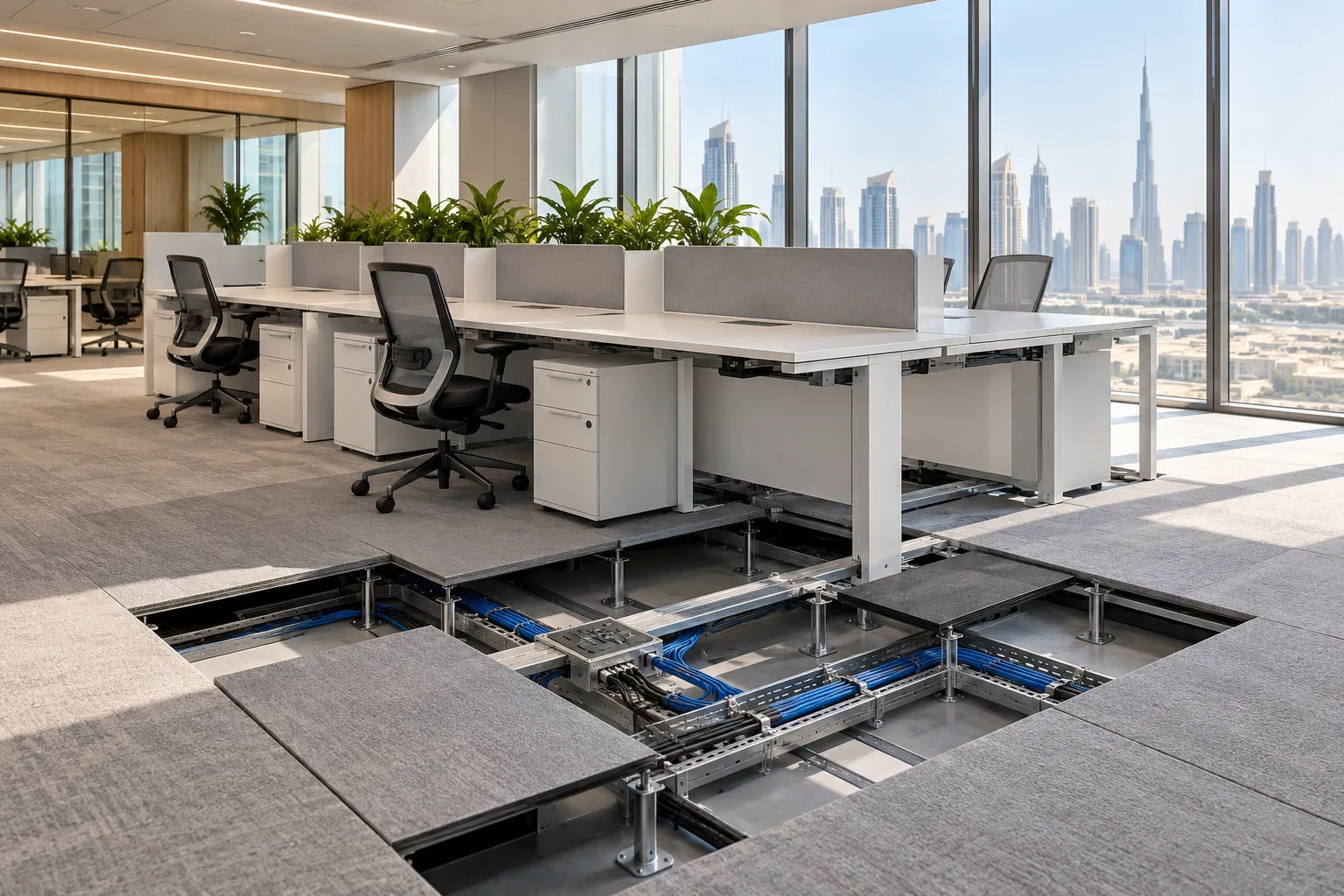
AI-generated illustrative design concept; not a completed CBD Projects project, approved drawing or technical compliance detail.
Smaller offices can carry dense workstation layouts, which makes each service point more consequential. A floor box positioned from a generic desk block may land beneath a pedestal, outside the cable tray or in a chair zone. Furniture, electrical and IT information must meet in one controlled setting-out drawing.
Freeze the workstation family, orientation and occupancy standard before final service setting-out. Trace power and data from distribution to each desk, preserve safe cable management and test a representative cluster before repeating the installation.
Start with the technology standard
Ask IT and facilities to define devices, screens, phones, docking, charging and future allowance for each workstation type. Separate permanent equipment from occasional personal charging. The electrical and network designers should use confirmed demand, not a blanket socket count copied from another office.
Record which systems are hard-wired, wireless or delivered through furniture. Clarify who supplies patch leads, desk modules and final connections.
Overlay the actual furniture
Obtain manufacturer plans for desk frames, beams, pedestals and cable trays. Overlay them on floor-box or wall-outlet positions. Show chair movement and access panels so services remain reachable after installation.
Where furniture is not selected, establish a controlled service zone and decision deadline. Generic rectangles are insufficient for coring slabs or ordering raised-floor panels.
Design the full cable route
Coordinate containment from the base building to floor, desk and user outlet. Protect separation and bend requirements through the relevant specialists. Avoid loose leads across circulation or bundles resting on the floor where cleaning and chair movement can damage them.
For raised floors, keep access tiles removable. For solid floors, secure landlord and design approvals before cutting or chasing.
Build a representative cluster
Install one typical group with final desks, screens, modules and floor finish. Connect normal equipment and inspect reach, excess cable storage and maintenance access. Include facilities and IT in the review rather than approving appearance alone.
Capture accepted positions and components before rolling out the remaining stations. This is especially valuable when several desk types share one floor.
Commission and document
Test outlets, network points and furniture connections under the approved plan. Label circuits and data consistently with controlled records. Provide as-built locations and supplier information in the handover pack.
When density or furniture changes, reassess loads and routes before moving boxes. A spare opening does not prove service capacity exists.
Frequently asked questions
Can floor boxes be installed before furniture is selected?
Only with documented assumptions and a controlled service zone. Final positions should be checked against the ordered desk frame and cable tray.
Should every desk receive the same number of outlets?
Not necessarily. Use the approved technology standard for each workstation type and planned equipment.
References and scope
References checked on 19 October 2026. Confirm current requirements and product instructions for the actual project; these links do not constitute project approval.
Plan your office fit-out project with one accountable team
Send CBD Projects your workstation plan, furniture data and IT standard for coordinated office fit-out setting-out.
Send Your Project BriefBack to BlogRelated ServiceView Real ProjectsContact CBD Projects