
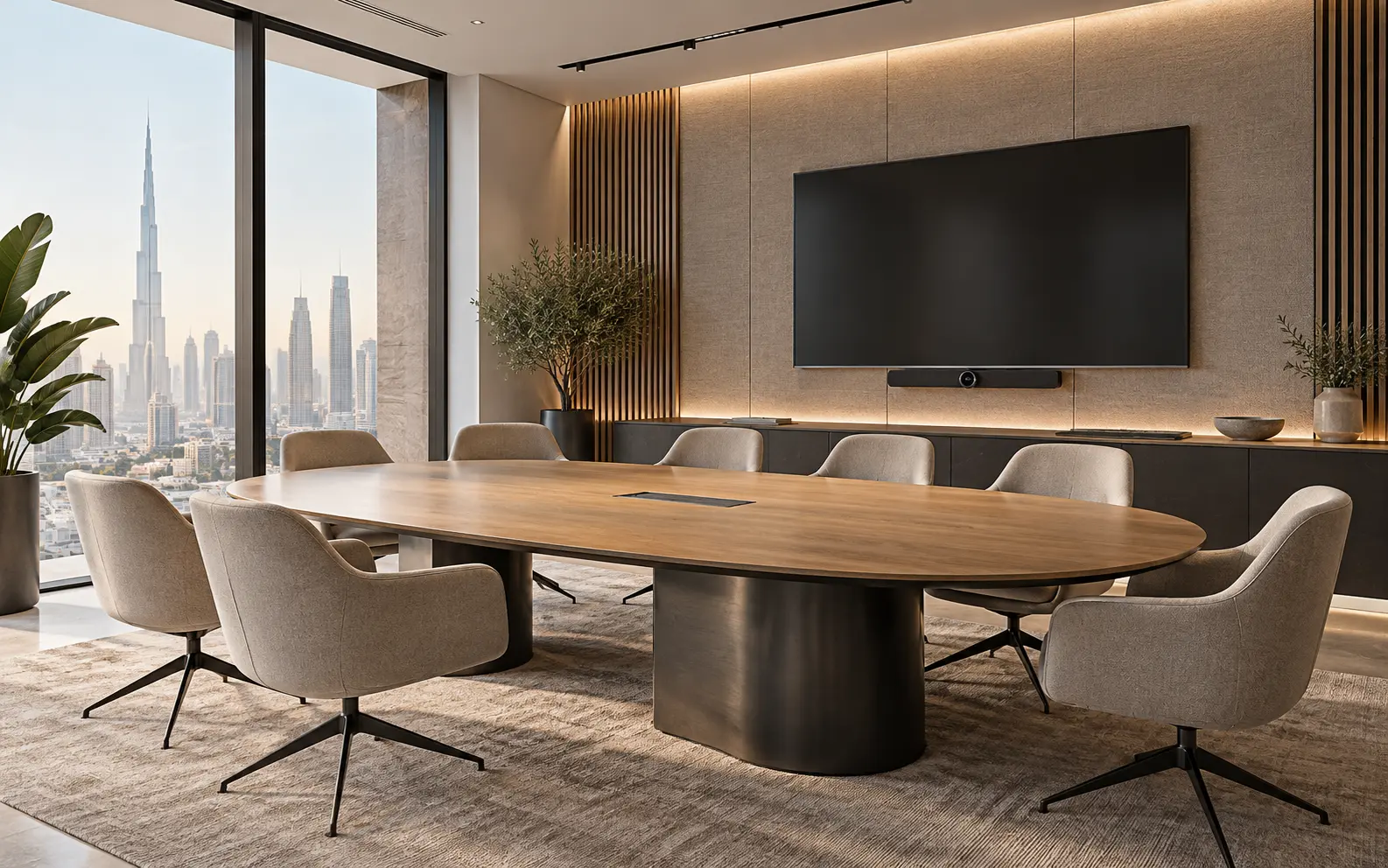
AI-generated design concept for illustration only; not a completed CBD Projects project or a technical compliance drawing.
A meeting room can look complete while remaining frustrating to use. Remote participants hear the air-conditioning, the camera misses the end seats, or a failed cable can only be replaced by dismantling the table. For a Dubai office fit-out, these are coordination problems to resolve before the finishes are installed.
Explore our office fit-out in Dubai for the wider project scope.
Agree how the room will be used, place furniture and technology together, coordinate cable routes and maintenance access, then test a real call from every seat. Buying a larger display does not fix an unsuitable room layout.
Write a room-use brief, not a shopping list
List the normal number of participants, maximum occupancy, preferred meeting platforms, guest-laptop use, presentation requirements and whether remote attendees must see a whiteboard. Decide who supports the room after handover: internal IT, an AV provider or facilities staff. A simple room used for daily calls may need a different control interface from a boardroom used for presentations and confidential discussions.
Ask users to demonstrate their current workflow. Record where they lose time. This becomes the acceptance brief, rather than a promise that a particular equipment brand will solve every issue.
Coordinate the camera, screen and table as one arrangement
Plot the camera view and screen sightlines on the furniture plan. Check the nearest and furthest seats, not just the central chair. Include door openings, glare from glazing and the position of presentation lighting. A beautiful pendant can obstruct a camera view; a wall finish can make a display difficult to mount safely.
Confirm structural backing and equipment weight with the installer. Show actual mounting points, cable exits and power requirements on coordinated drawings. Where screens sit in joinery, allow the manufacturer's ventilation and service clearances instead of enclosing equipment tightly.
Resolve sound and building services together
Microphone performance depends on placement, room acoustics and background noise as well as the device. Ask the AV specialist and MEP designer to review diffuser locations, fan noise and acoustic finishes together. Sound absorption inside the room and speech privacy between rooms are different design tasks.
Use our office acoustic design guide for the wider workspace strategy. Shure's conferencing guidance supports treating equipment and the room as a system; it is not a substitute for a project-specific acoustic design.
Close the access and responsibility gaps
The coordination register should name who supplies the display, brackets, backing, microphones, network ports, software licences and control programming. Agree who connects and tests each interface. Include spare pathways where justified, but do not assume an empty conduit guarantees that every future connector will fit.
- Confirm cable routes before floors and ceilings close.
- Keep replacement access to connectors and active equipment.
- Coordinate table hatches with furniture shop drawings.
- Agree network and security requirements with the client's IT team.
- Record supplier contacts and configuration backups for handover.
Accept the room through a real meeting
Run a call with a remote colleague and test every seat, normal air-conditioning operation, content sharing, guest connection and the controls a first-time user will see. Check audio at both ends. Record each failure with an owner and retest date. A power-on photograph is not an operational acceptance test.
Include training and a short user guide in the fit-out handover. Budget for integration, programming and testing separately from visible equipment so competing proposals can be compared fairly.
Record a repeatable meeting-room acceptance test
Consider an illustrative six-person meeting room used for hybrid client presentations. A successful video call from the chair nearest the screen does not demonstrate that the whole room works. Agree a short test script with the client’s IT owner before installation is signed off: start a call from the normal booking method, share a presentation, switch presenters and ask a remote participant to assess each seated speaker.
Record the equipment configuration, software environment, occupied seats and any failure rather than writing only “AV tested”. Test with normal lighting and the door closed; include the connection method visiting presenters will actually use. Assign each issue to a named supplier or system owner, then repeat the affected step after correction. Keep passwords out of the general handover pack and transfer credentials through the client’s approved process.
An office interior design company in Dubai can coordinate the room geometry and service interfaces, while the appointed AV and IT specialists confirm system performance. This division makes acceptance measurable without treating an attractive room photograph as evidence of working technology.
Frequently asked questions
When should AV be designed?
Before the furniture, ceiling and MEP layouts are frozen. Final device choices can then be checked against coordinated mounting, cable and service requirements.
Does a ceiling microphone remove the need for acoustic treatment?
Not automatically. Room reflections, equipment placement and background noise still affect the call; ask the specialist to demonstrate the proposed arrangement.
Should AV acceptance include remote participants?
Yes. Include a remote participant and the client’s normal meeting workflow so microphone coverage, shared content and controls are assessed in realistic use.
References and scope
References checked on 15 October 2026. Confirm current requirements and product instructions for the actual project; these links do not constitute project approval.
Plan your office fit-out project with one accountable team
Send your meeting-room layout, seating capacity, preferred call platform and existing IT standards. CBD Projects can scope the interior and specialist coordination required for your office.
Send Your Project BriefBack to BlogRelated ServiceView Real ProjectsContact CBD Projects