
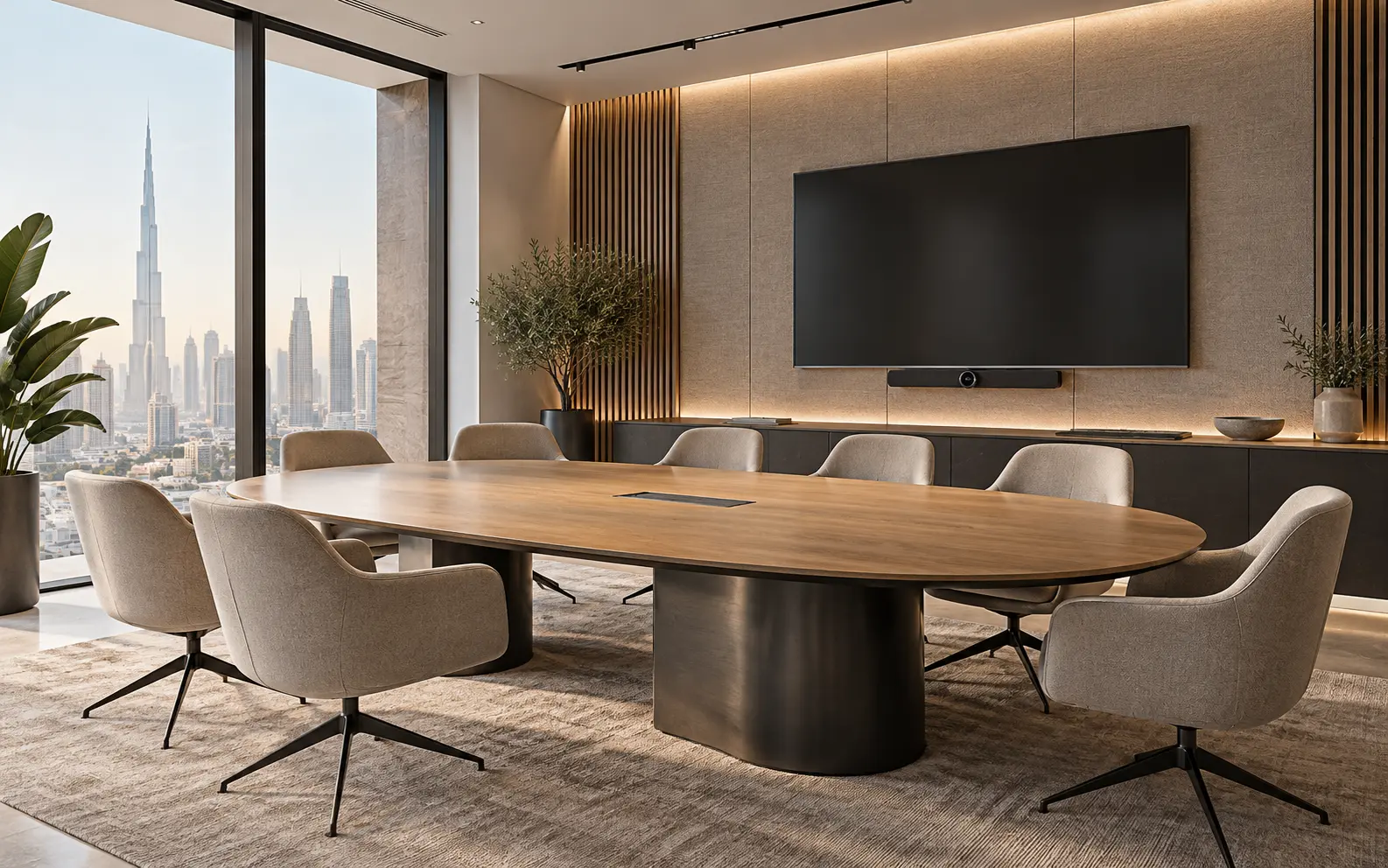
AI-generated illustrative design concept; not a completed CBD Projects project, approved drawing or technical compliance detail.
A meeting table is often selected after electrical and data points have already been positioned. Small differences between the drawing and the ordered base can leave floor boxes exposed, cables stretched across legs or a screen connection in the wrong seat. The table, room and technology need one coordinated setting-out decision.
Freeze the actual table model, seating plan and AV method before final service setting-out. Draw the cable route from building connection to tabletop outlet, including access for installation, everyday use and future replacement.
Start with meeting behaviours
Define whether the room supports presentations, video calls, workshops or formal board meetings. Record the typical and maximum occupancy, devices brought by users and whether guests require simple connections. These choices determine where people need power, microphones and controls.
Do not specify every possible connector without a support plan. Ask the client’s IT and AV teams to define the standard user experience, then align the furniture and fit-out scope around it.
Coordinate the exact furniture model
Obtain the manufacturer's table plan, base arrangement, cable channels and access panels. Overlay these on the room setting-out drawing. Check that chairs can move without striking floor boxes and that table legs do not block the cable path.
If the table remains provisional, establish a controlled service zone and a decision deadline. A generic rectangle on an interior plan is not enough information for drilling floors or ordering a custom cable trough.
Trace every cable route
Show how power and data reach the table, pass through its base and arrive at user outlets or AV equipment. Confirm separation, containment and connection requirements with the relevant specialists. Keep loose leads away from chair positions and circulation.
For raised floors, check tile modules and access after the table is installed. For solid floors, review the approved routing before cutting or coring. Coordinate with the meeting-room AV guide so camera, display and microphone decisions remain aligned.
Protect serviceability
Users should be able to connect devices without reaching into unsafe or inaccessible spaces. Facilities and installers also need a practical route to replace modules or cables without dismantling major joinery. Document removable panels and the tools needed.
Avoid fixing a tabletop module into an unapproved position on site. Verify the cut-out, edge treatment and warranty implications with the furniture supplier before fabrication or modification.
Test a real meeting scenario
Commission the room with the final table and chairs installed. Connect the types of devices staff actually use, test screen sharing and calls, and check that cables remain clear when seats are occupied. Record user instructions in simple language.
Include the accepted table and service arrangement in as-built records. If future reconfiguration is expected, identify the limits rather than promising the room can move without electrical or AV work.
Frequently asked questions
Can a floor box be positioned before the table is selected?
Only with a defined coordination zone and controlled assumptions. The final position should be checked against the ordered table base and cable route.
Should power and AV be supplied by the furniture vendor?
Responsibility varies. The quotation must state who supplies, connects, tests and warrants each component and interface.
Plan your office fit-out project with one accountable team
Share your room dimensions, table selection and AV brief with CBD Projects before floor boxes and furniture orders are released.
Send Your Project BriefBack to BlogRelated ServiceView Real ProjectsContact CBD Projects