
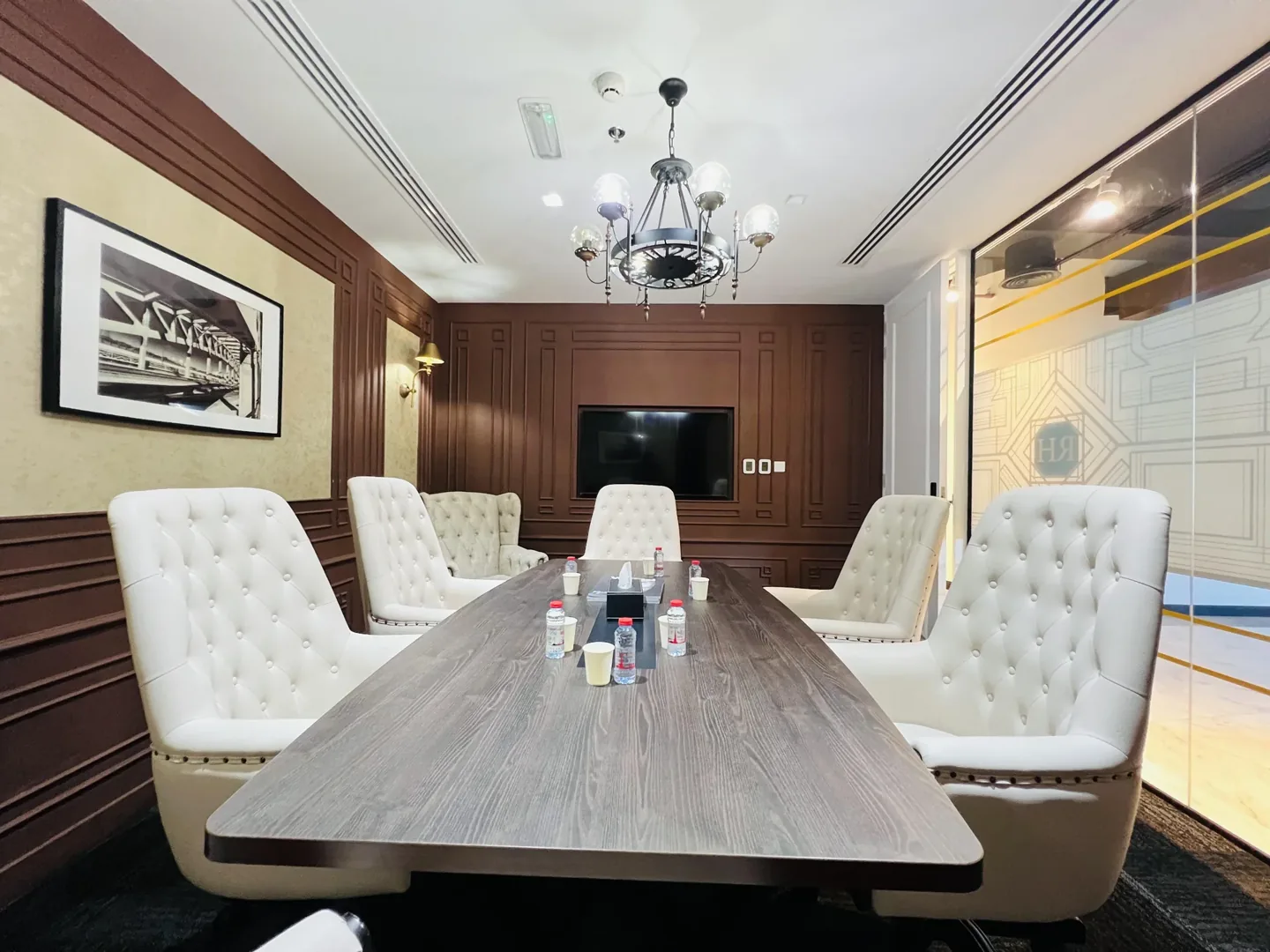
Workplace reference for agreeing display locations, furniture and viewing arrangements.
A display screen can be purchased separately from an office fit-out and still affect several construction packages. Its mounting arrangement may influence a wall, its services may need to reach a concealed position, and its delivery may depend on the room being ready. The problem is rarely solved by adding the words screen by client to a quotation and assuming that every connected task has been allocated.
This guide helps a client establish the procurement and physical installation record before interior work is closed. It concerns responsibility and coordination rather than advice for choosing a particular screen or designing an AV system. The manufacturer, competent installer and appointed technical specialists must determine the requirements for the actual product and construction. A clear brief lets them provide that information at the stage when the interior team can still respond to it.
Jump to a section 15 topics
Name the display and the person buying it
Start with a schedule of screens rather than a note saying client supplied. Give each item a location, intended use and named purchasing owner. A reception information display, a team notice screen and a meeting-room display may follow different buying and support arrangements. Confirm whether the purchase includes a mounting assembly, media player, accessories and delivery to the actual premises.
If the client’s purchasing team has not chosen a model, record that as an outstanding decision with consequences for the construction. The interior contractor cannot verify every physical interface from a diagonal screen measurement alone. Ask the person selecting the equipment to obtain the final product information and identify who is authorised to accept its effect on the interior details.
Freeze the information that changes the wall detail
The display supplier should provide the confirmed product dimensions, weight, connection locations and installation information relevant to the proposed arrangement. Obtain the mounting assembly details as well as the screen data. Two products with a similar visible size can present different requirements behind the finished surface, particularly when the client expects a flush-looking installation.
The appointed design and technical team should review those requirements before the wall or joinery detail is released. Keep the manufacturer’s current information with the accepted equipment record. A drawing labelled large display or a screenshot from an online shop does not provide an adequate basis for the people responsible for support, cable access and the finished junction.
Assign support design to the competent party
Ask who determines the support arrangement and who verifies the substrate receiving it. The mounting installer, relevant designer and construction team need a coordinated position on the particular wall or assembly. This is a project responsibility to allocate explicitly; the client should not be expected to resolve it by choosing a bracket that appears suitable in a photograph.
If backing or reinforcement is required within the interior construction, show the accepted detail before that work becomes concealed. Keep the associated inspection record within the project information. The aim is not to give a universal fixing instruction, but to ensure that a competent person designs and checks the support for the actual equipment, mounting arrangement and existing conditions.
Coordinate power, data and the accepted equipment package
The electrical and IT specialists should define their respective requirements using the chosen equipment and intended operation. The interior team then coordinates the physical positions and access within the accepted room design. An outlet behind the screen may be visually discreet but still need careful coordination with the mounting assembly and service access.
Identify whether there is a separate player, control device or other component to accommodate. Do not assume that every accessory is built into the screen or included in the client purchase. Record who supplies and connects each part. This makes it easier to distinguish a missing construction interface from an item that remains the equipment supplier’s or client IT team’s responsibility.
Resolve the recess before fabricating the surround
A recessed display often affects joinery, wall finishes and the way the equipment is removed. Review the proposed assembly with the supplier and responsible technical parties before the surrounding panels are manufactured. The accepted detail must respect the particular product’s installation instructions and allow the work expected during maintenance or replacement.
Manufacturer support guidance directs users to the product manual for installation and ventilation requirements. Use the actual model’s information, rather than transferring a clearance remembered from another installation. A recess should not be judged solely by how closely its visible edges frame the screen. Confirm how the assembly will be installed, accessed and maintained without an undocumented removal sequence.
Decide what a replacement should involve
Ask the client how it expects the display to be replaced when it is damaged or reaches the end of its useful life. The appropriate answer depends on the equipment and accepted interior assembly, but the question should be raised while the surrounding construction can still be adjusted. A decorative enclosure may make a routine equipment change unnecessarily disruptive if access was never considered.
Record which panels or trims are intended to be removable and who provides the relevant method. Do not assume that an installer will improvise later without damaging finishes. If the client accepts an arrangement with particular replacement limitations, keep that decision with the equipment record so facilities staff inherit the actual basis of the design.
Keep physical installation separate from content responsibility
A screen can be firmly installed and powered while showing nothing useful because the content or player configuration has not been arranged. Name the client owner responsible for preparing and approving the information displayed. IT or the appointed signage provider should control the relevant accounts, network access and configuration through the organisation’s approved procedures.
The construction handover should identify what has been supplied and demonstrated within the fit-out package, without implying that the contractor manages the client’s ongoing messages. Avoid placing passwords in a general interior manual or handing them around a site meeting. Clear ownership supports a more useful opening-day result and makes later requests for help easier to direct.
Book receipt around readiness rather than convenience
Agree who accepts delivery and where the screen can be stored before installation. A site undergoing dusty or unfinished work may not be ready to receive delicate equipment simply because the purchasing department has found an early delivery slot. Coordinate the receiving date with the responsible installer and the actual condition of the installation area.
At receipt, follow the agreed checking process for quantities, visible condition and accompanying parts. Record issues promptly through the appropriate supplier route. Keep packaging and accessories as required by the client and product arrangements. A box left in an unallocated room does not establish that the correct person has accepted custody or that the item is ready to be installed.
Make the installation appointment complete
Confirm what must be ready before the display installer attends. Depending on the agreed arrangement, this may include finished surfaces, accepted supports, accessible services and the availability of the responsible client or technical representative. Each party should understand the readiness conditions rather than assume the installer can complete unfinished interior work during a short visit.
Clarify who unpacks, lifts, positions and secures the equipment, and which competent parties connect and test their respective systems. A construction allowance for a screen point should not silently become an unlimited obligation to install all customer equipment. If the client changes its purchase, return the altered requirements to the coordination team before booking the final attendance.
Check the visible result against the accepted design
Once installed, review the screen’s location and the surrounding finishes against the accepted drawings. Check whether the intended trim, cable visibility and access arrangements have been delivered. Keep this visual review distinct from the technical checks performed by the responsible equipment, electrical and IT specialists.
If the client wants to change the screen position after seeing it in place, identify whether the request concerns a construction departure or a new preference. The consequences may include support, services or finish changes, so assess them before instruction. A clear acceptance reference makes this conversation more practical than a general expectation that the screen should look right wherever the client later chooses.
Test only what the appointment is meant to demonstrate
Define the demonstration appropriate to the supplied package. The equipment supplier may demonstrate the display, the electrical team its relevant installation, and the client IT team the approved connection or signage operation. The client should know which result each demonstration confirms and what remains outside that party’s appointment.
For meeting-room usability and wider AV arrangements, use a separate brief covering the intended meeting experience; our meeting-room AV planning guide considers that wider scope. This article concerns the procurement, physical interfaces and responsibility record for displays within the fit-out. Keeping those questions separate helps prevent a successful power-on check being mistaken for acceptance of an entire collaboration system.
Record changes when the purchased model is substituted
A supplier may propose another model because stock availability changes. Send the new data to the parties coordinating the interior before accepting it as equivalent. The technical and physical interfaces should be rechecked, including the mount, access arrangement and any surrounding fabricated work. A similar screen size does not settle those questions.
Identify the cost and programme consequences of any required change through the agreed project process. Retain the accepted revised reference and notify the people responsible for ordering, installing and checking the connected packages. This prevents a procurement decision made away from site from reaching the contractor only when a delivered item no longer fits the prepared construction.
Build the handover record around future support
The client’s facilities team should receive the relevant product identification, installation information, warranty documents and support route through its approved process. Record the actual location of the display and any accessories or removable parts supplied with it. The people maintaining the office need the installed information, not merely the original shopping list.
Keep the construction record distinct from credentials and confidential IT material. Identify who holds packaging or spare components and whether anything remains to be delivered. If the display is handed over with an outstanding dependency, state it clearly and allocate the next action. This gives the client a usable record without presenting an incomplete setup as fully operational.
Use a responsibility schedule when comparing proposals
Clients reviewing office fit out companies in Dubai should ask how client-supplied displays are handled in the quotation. Compare the same obligations: support coordination, construction preparation, receiving, installation, connection and demonstration. A short note saying screen by others can conceal several tasks that still need an owner.
An interior design company can help coordinate the visible room arrangement, while the appointed equipment and technical specialists define their requirements. The fit-out contractor then delivers its agreed physical package. This division is commercially useful because the tenant can see what each appointment includes and arrange the missing work before it becomes an opening-day problem.
Send a compact display brief with the office enquiry
Provide the planned locations, intended uses, purchasing owner and any models already selected. Include the current drawings and identify the supplier or IT contact able to answer technical questions. If the equipment is undecided, explain when the client expects that decision so construction dependencies can be discussed honestly.
For an office interior fit-out enquiry in Dubai, the most useful information connects the equipment to the rooms it affects. CBD Projects LLC can discuss the relevant construction coordination through the project brief. Review our office fit-out service for the broader interior package, then keep the display responsibilities visible as one defined part of that appointment.
Frequently asked questions
Is a client-supplied screen automatically installed by the fit-out contractor?
No. The contract should identify receiving, support preparation, installation, connection and demonstration responsibilities separately. A client purchase may include some of these tasks through a supplier, but that must be confirmed rather than assumed.
Can the wall be finished before a screen model is selected?
The responsible design and technical team should explain what can be released and what remains dependent on the final equipment. Record any assumptions and their consequences. Do not treat an unspecified screen size as verified installation information.
Does this replace a meeting-room AV brief?
No. It addresses procurement and physical construction interfaces for displays. A meeting-room AV brief should separately define the intended meeting use, equipment design, technical commissioning and user-support arrangements.
References and scope
References checked on 21 November 2026. Confirm current requirements and product instructions for the actual project; these links do not constitute project approval.
Plan your office display coordination project with one accountable team
Share your office plans and client-supplied display information through the project brief to discuss the relevant fit-out interfaces.
Send Your Project BriefBack to BlogRelated ServiceView Real ProjectsContact CBD Projects